Time Saving eBook for Beginners and Advanced Users
With over 280 fully illustrated tips, TurboCAD® Mac Tips, Tutorials, and Techniques is the go to eBook for quickly answering the most frequently asked questions about TurboCAD® Mac. Whether you are new to computer-aided design, or an experienced CAD user, this valuable training provides insights into the program so you can do more in less time.
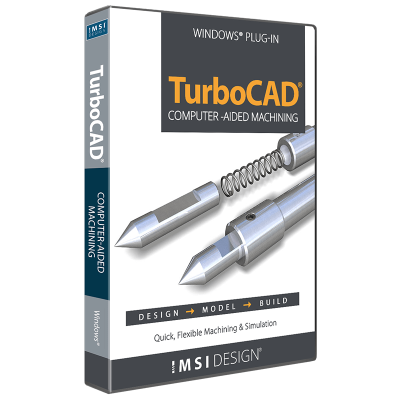
The CAM Plug-in for TurboCAD Platinum is the machinist’s choice for 2.5D CAD. This powerful plug-in generates native G-code for your machining equipment with no need for a post-processor. It includes a built-in communication module that allows you to set up your CNC controller effortlessly!
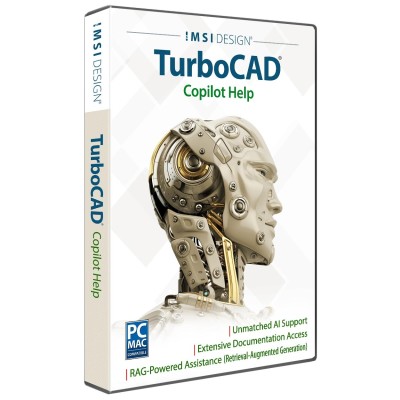
Unlock the full potential of your design process with Copilot, the AI-driven companion seamlessly integrated into TurboCAD®. This integrated AI tool streamlines navigation, expedites your project's progress, and enhances your design endeavors with insightful analysis. Copilot supports two levels: TurboCAD® Copilot Help and TurboCAD® Copilot Professional.
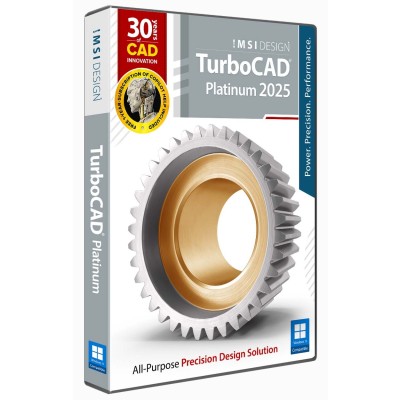
TurboCAD® for Windows offers versatile CAD tools for engineers, architects, designers, and hobbyists. With Platinum, Professional, Deluxe, and Designer versions, it suits all skill levels. Platinum includes advanced 3D modeling, ACIS® solids, and rendering. Professional combines 2D/3D design with strong file support. Deluxe is great for beginners or small businesses, while Designer is ideal for basic 2D drafting. With intuitive tools, tutorials, and wide file compatibility, TurboCAD® delivers precision and creativity for all your design needs.
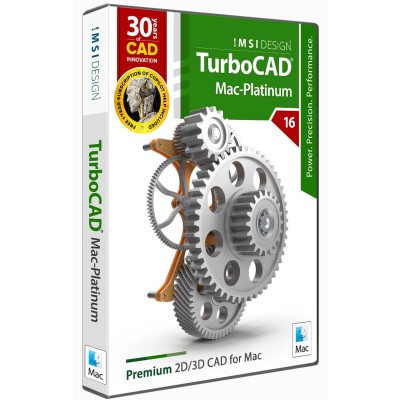
TurboCAD® Mac offers a range of 2D/3D CAD solutions for architects, engineers, designers, and students. Mac Platinum is the top-tier version with advanced drafting, modeling, and rendering tools. Mac Pro supports powerful design workflows, while Mac Deluxe balances ease of use with robust 2D/3D tools, ideal for makers and students. Mac Designer is a simple 2D drafting tool perfect for floor plans and technical drawings. With intuitive features and scalable functionality, TurboCAD® Mac adapts to your needs—bringing your ideas to life with precision and creativity.
TurboCAD® Mac offers a range of 2D/3D CAD solutions for architects, engineers, designers, and students. Mac Platinum is the top-tier version with advanced drafting, modeling, and rendering tools. Mac Pro supports powerful design workflows, while Mac Deluxe balances ease of use with robust 2D/3D tools, ideal for makers and students. Mac Designer is a simple 2D drafting tool perfect for floor plans and technical drawings. With intuitive features and scalable functionality, TurboCAD® Mac adapts to your needs—bringing your ideas to life with precision and creativity.
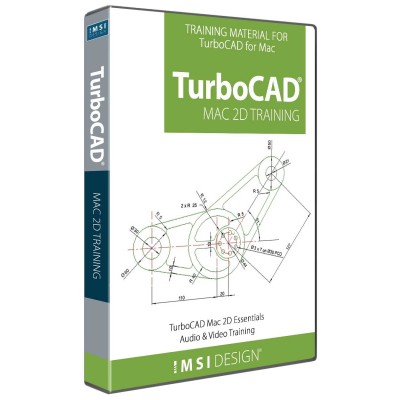
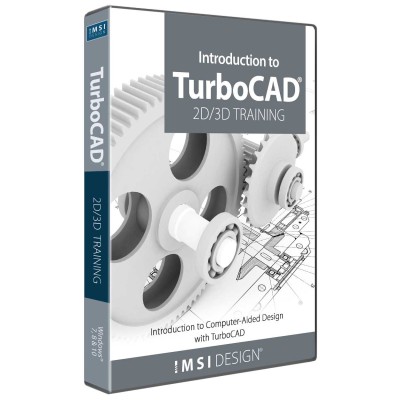
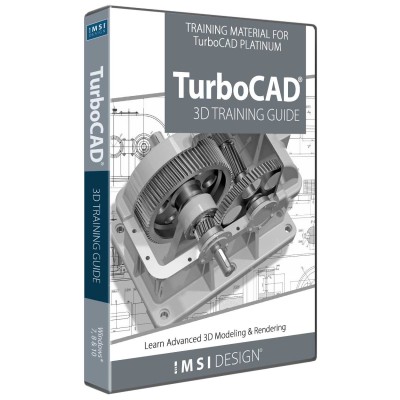
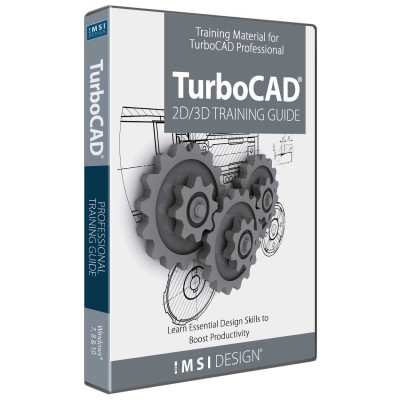
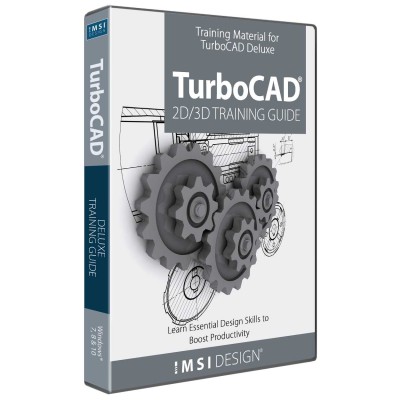
TurboCAD®’s training guides equip users with essential tools for mastering CAD workflows. Whether creating precise 2D drawings or detailed 3D models, these programs offer step-by-step tutorials, video animations, and hands-on exercises, simplifying complex design processes. Suitable for beginners and professionals, they cover architectural drafting, advanced 3D modeling, and photorealistic rendering while ensuring proficiency in TurboCAD® Deluxe, Professional, or Platinum.
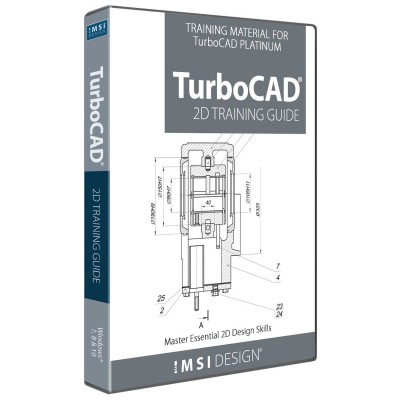
Welcome to the 2D Training Guide for TurboCAD® Platinum Windows—your essential resource for mastering precise 2D drafting and annotation. Whether you're a beginner or an experienced user, this guide provides step-by-step tutorials, illustrated instructions, and immersive video-animated Work Sessions to enhance your skills. Learn the entire process, from sketching and annotating to producing professional layouts, ensuring confidence in TurboCAD® Platinum’s powerful tools. With detailed instructions and over 80 video tutorials, this guide enables users to create precise, high-quality 2D drawings with ease. Fully compatible with the latest and prior versions, it adapts to various learning styles, making CAD design more accessible than ever.
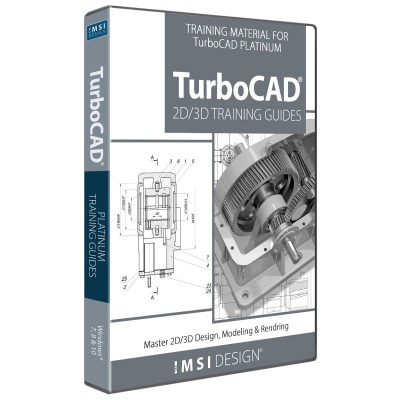
TurboCAD®’s training guides provide step-by-step tutorials, video animations, and hands-on exercises to help users master 2D drafting, 3D modeling, and rendering. Ideal for both beginners and professionals, the guides cover architectural design and advanced modeling using TurboCAD® Deluxe, Professional, or Platinum. Each includes the Introduction to TurboCAD® Training Guide, also available separately. Compatible with the latest and previous versions, these guides suit various learning styles and simplify complex CAD workflows.
TurboCAD®’s training guides equip users with essential tools for mastering CAD workflows. Whether creating precise 2D drawings or detailed 3D models, these programs offer step-by-step tutorials, video animations, and hands-on exercises, simplifying complex design processes. Suitable for beginners and professionals, they cover architectural drafting, advanced 3D modeling, and photorealistic rendering while ensuring proficiency in TurboCAD® Deluxe, Professional, or Platinum.
TurboCAD®’s training guides equip users with essential tools for mastering CAD workflows. Whether creating precise 2D drawings or detailed 3D models, these programs offer step-by-step tutorials, video animations, and hands-on exercises, simplifying complex design processes. Suitable for beginners and professionals, they cover architectural drafting, advanced 3D modeling, and photorealistic rendering while ensuring proficiency in TurboCAD® Deluxe, Professional, or Platinum.
TurboCAD®’s training guides equip users with essential tools for mastering CAD workflows. Whether creating precise 2D drawings or detailed 3D models, these programs offer step-by-step tutorials, video animations, and hands-on exercises, simplifying complex design processes. Suitable for beginners and professionals, they cover architectural drafting, advanced 3D modeling, and photorealistic rendering while ensuring proficiency in TurboCAD® Deluxe, Professional, or Platinum.
This website uses cookies to ensure you get the best experience on our website